


.svg)
.svg)
.svg)
.svg)
.svg)
.svg)
.svg)
.svg)
.svg)
.svg)
.svg)
.svg)
.svg)
.svg)
.svg)
.svg)
.svg)
.svg)
.svg)
.svg)

PAUBOX EMAIL API
HIPAA compliant SMTP API
Point any system that already speaks SMTP at Paubox, and every message goes out encrypted and HIPAA compliant. No code rewrite, no portals, BAA included.


.png)
Trusted by 8,000+ healthcare organizations to make HIPAA compliant email simple.
-1.png?width=222&height=61&name=Mark_Cuban_Cost_Plus_Drug_Company_logo%20(1)-1.png)




Is SMTP HIPAA compliant?
SMTP on its own is not. It was built to deliver mail, not to guarantee encryption, so messages can be downgraded and sent unencrypted.
The Paubox SMTP API routes your outbound mail through an encrypted, BAA-backed connection. You keep your existing setup and send through us, and every message is encrypted by default with TLS 1.2 or higher.
REST API & SMTP API
Two powerful ways to send HIPAA compliant email
Choose the method that works best for your organization

 A custom application or workflow is being developed
Personalization and message-level control are required
There is a need for flexible message creation
A custom application or workflow is being developed
Personalization and message-level control are required
There is a need for flexible message creation
 Integrating with a system that already supports SMTP
Implementation is required without developer support
A ready-to-use, low-effort solution is preferred
Integrating with a system that already supports SMTP
Implementation is required without developer support
A ready-to-use, low-effort solution is preferred
Quick and easy integration
Integrate HIPAA compliant emails with a few lines of code. We provide libraries and tools to get you started.
-1.svg)
SMTP connection settings

Host:      smtp.paubox.com
Port:      587 (STARTTLS)   ·   25 (TLS)   ·   465 (SSL/TLS)
Username:  apikey            (the literal word "apikey")
Password:  your Paubox Email API key

Throughput: up to 500 messages per minute per IP.
Use the hostname smtp.paubox.com — not a direct IP address.
// Send secure email using the Paubox JavaScript/Node.js Library
// https://github.com/Paubox/paubox-node
"use strict";
require('dotenv').config();
const pbMail = require('paubox-node');
const service = pbMail.emailService(); var options = {
from: 'sender@domain.com',
to: ['recipient@example.com'],
subject: 'Testing!',
text_content: 'Hello World!',
html_content: '<html><head></head><body><h1>Hello World!</h1></body></html>',
}
var message = pbMail.message(options)
service.sendMessage(message)
.then(response => {
console.log("Send Message method Response: " + JSON.stringify(response));
}).catch(error => {
console.log("Error in Send Message method: " + JSON.stringify(error));
});
# Send secure email using the Paubox Ruby Library
# https://github.com/Paubox/paubox_ruby
require 'Paubox'
require 'json'
require 'mail'

message = Mail.new do
  from            'you@yourdomain.com'
  to              'someone@somewhere.com'
  cc              'another@somewhere.com'
  subject         'HIPAA-compliant email made easy'

  text_part do
    body          'This message will be sent securely by Paubox.'
end

  html_part do
    content_type  'text/html; charset=UTF-8'
    body          '<h1>This message will be sent securely by Paubox.</h1>'
  end

  delivery_method Mail::Paubox
end

message.deliver!
=> {"message"=>"Service OK", "sourceTrackingId"=>"2a3c048485aa4cf6"}


message.source_tracking_id
=> "2a3c048485aa4cf6"
# Send secure email using the Paubox Ruby on Rails Extended Gem
# https://github.com/Paubox/paubox-rails
class UserMailer < ApplicationMailer
  def welcome_email
    @user = params[:user]
    @url  = user_url(@user)
    delivery_options = { allow_non_tls: true }
    mail(to: @user.email,
         subject: "Welcome!",
         delivery_method_options: delivery_options)
end
end
# Send secure email using the Paubox Python 3 Library
# https://github.com/Paubox/paubox-python3
import paubox
from paubox.helpers.mail import Mail

from config import Config
with open("config.cfg") as config_file:
    paubox_config = Config(config_file)
paubox_client = paubox.PauboxApiClient(paubox_config.PAUBOX_API_KEY,
                                       paubox_config.PAUBOX_HOST)
recipients = ["recipient@example.com"]
from_ = "sender@yourdomain.com"
subject = "Testing!"
content = {"text/plain": "Hello World!"}
mail = Mail(from_, subject, recipients, content)
response = paubox_client.send(mail.get())
print(response.status_code)
print(response.headers)
print(response.text)
// Send secure email using the Paubox C# Library
// https://github.com/Paubox/paubox-csharp
static SendMessageResponse SendMessage()
{
  Message message = new Message();
  Content content = new Content();
  Header header = new Header();
  message.Recipients = new string[] { "someone@domain.com",
  "someoneelse@domain.com" };
  header.From = "you@yourdomain.com";
  message.Cc = new string[] { "cc-recipient@domain.com" };
  message.Bcc = new string[] { "bcc-recipient@domain.com" };
  header.Subject = "Testing!";
  header.ReplyTo = "reply-to@yourdomain.com";
  content.PlainText = "Hello World!";
  message.Header = header;
  message.Content = content;
  SendMessageResponse response = EmailLibrary.SendMessage(message);
  return response;
}
static SendMessageResponse SendMessage()
{
  Message message = new Message();
  Content content = new Content();
  Header header = new Header();
  message.setRecipients(new String[] { "someone@domain.com",
  "someoneelse@domain.com" });
  header.setFrom("you@yourdomain.com");
  message.setCc(new String[] { "cc-recipient@domain.com" });
  message.setBcc(new String[] { "bcc-recipient@domain.com" });
  header.setSubject("Testing!");
  header.setReplyTo("reply-to@yourdomain.com");
  content.setPlainText("Hello World!");
  message.setHeader(header);
  message.setContent(content);

  EmailInterface email = new EmailService();
  SendMessageResponse response = email.SendMessage(message);
  return response;
}
// Send secure email using the Paubox PHP Library
// https://github.com/Paubox/paubox-php
<!--?php
require_once __DIR__ . '/vendor/autoload.php';

$dotenv = Dotenv\Dotenv::create(__DIR__);
$dotenv->load();

$paubox = new Paubox\Paubox();

$message = new Paubox\Mail\Message();
$content = new Paubox\Mail\Content();
$content->setPlainText("Hello World");

$header = new Paubox\Mail\Header();
$header->setSubject("Testing!");
$header->setFrom("sender@domain.com");

$recipients = array();
array_push($recipients,'recipient@example.com');

$message->setHeader($header);
$message->setContent($content);
$message->setRecipients($recipients);

$sendMessageResponse = new Paubox\Mail\SendMessageResponse();
$sendMessageResponse = $paubox->sendMessage($message);
print_r($sendMessageResponse);
# Send secure email using the Paubox Perl Library
# https://github.com/Paubox/paubox-perl-sdk
use strict;
use warnings;
use Paubox_Email_SDK;

my $messageObj = new Paubox_Email_SDK::Message(
   'from' => 'sender@domain.com',
   'to' => ['recipient@example.com'],
   'subject' => 'Testing!',
   'text_content' => 'Hello World!',
   'html_content' => '<html><head></head><body><h1>Hello World!</h1></body></html>',
);

my $service = Paubox_Email_SDK -> new();
my $response = $service -> sendMessage($messageObj);
print $response;
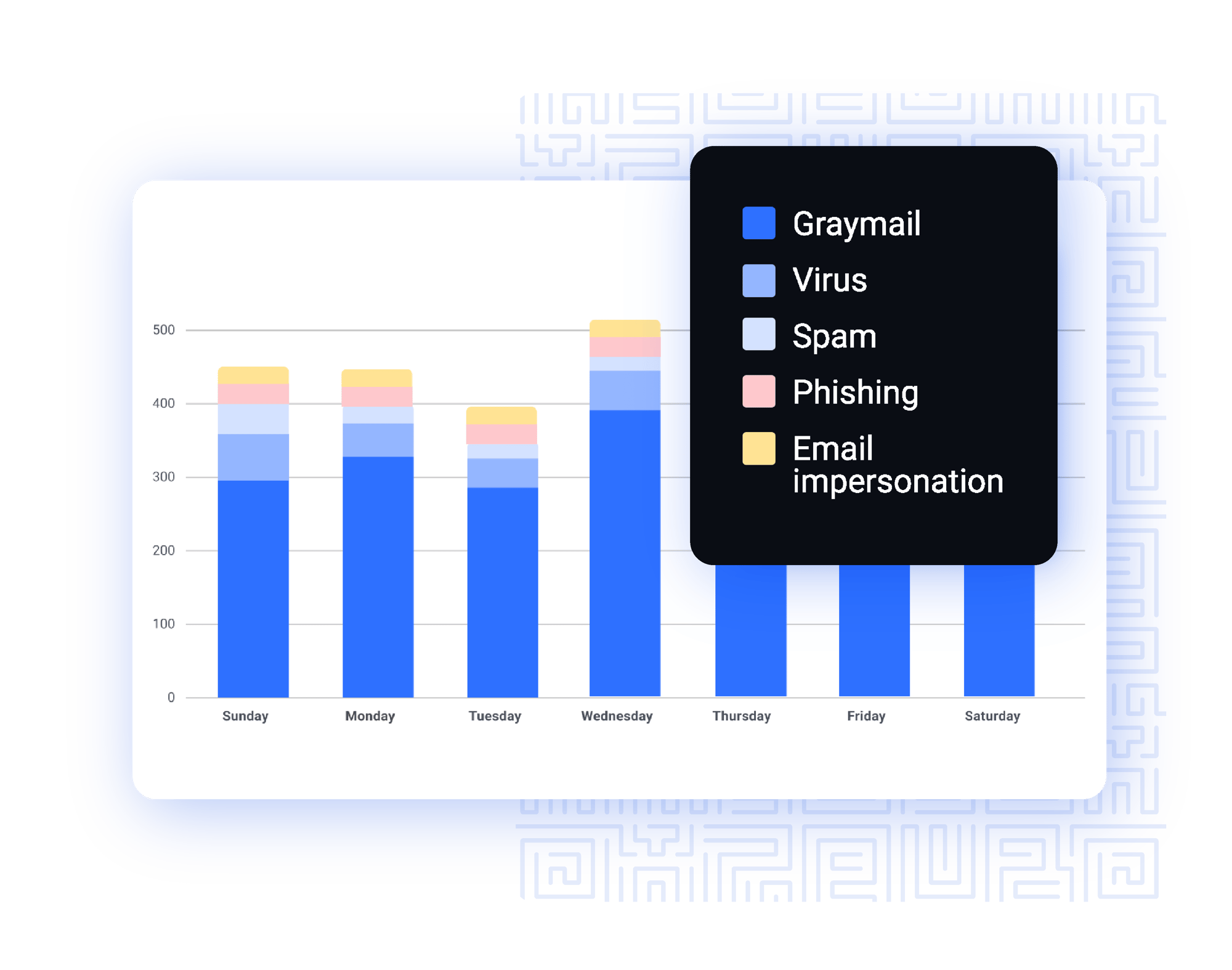
Send with the ability to scale
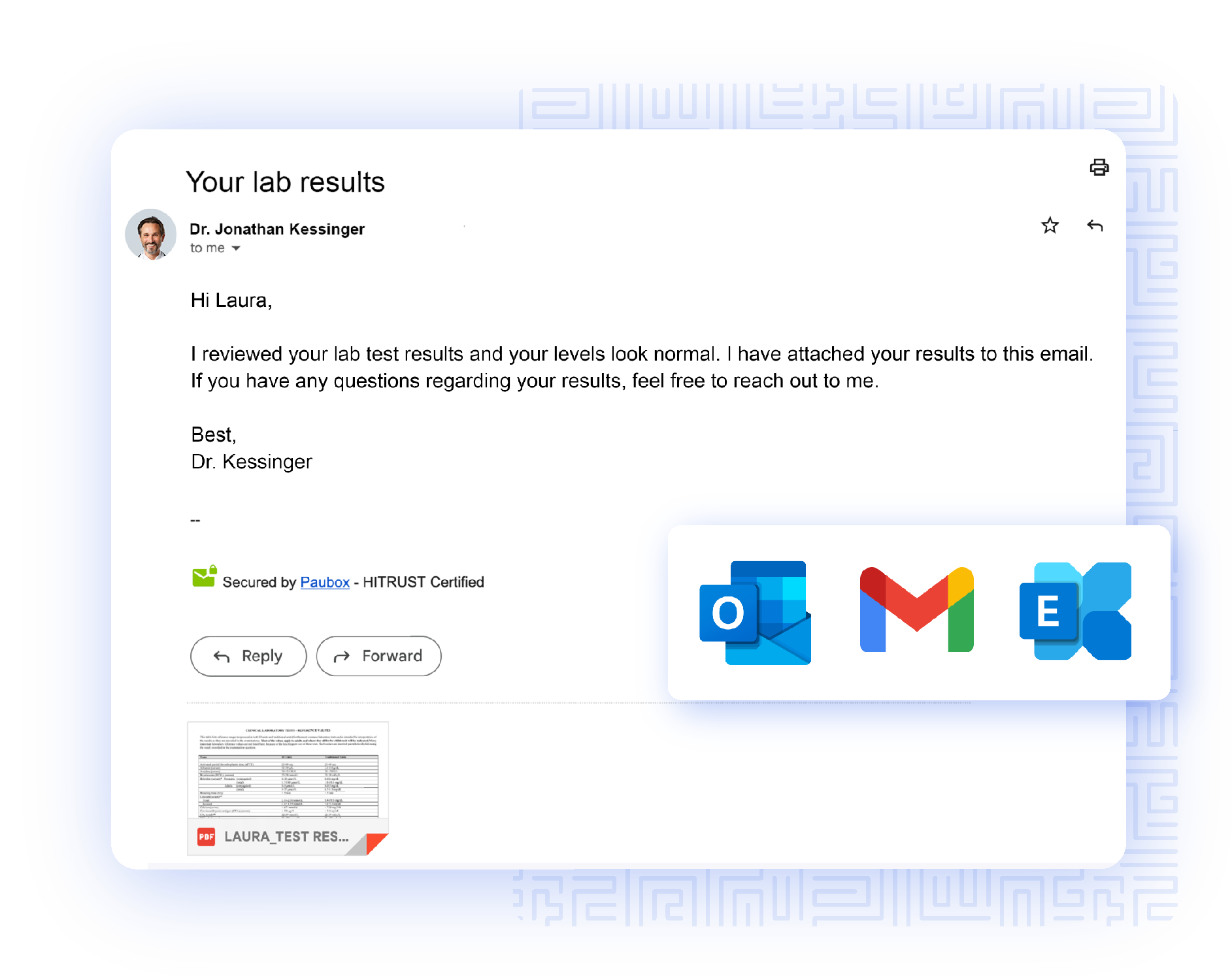
Easy, HIPAA compliant experience for recipients
USE CASES
How customers use
Paubox SMTP API
.svg)
Test results
Automate updates to customers and internal teams on the status of test results.

Appointment messages
Programmatically send appointment confirmations and reminders to reduce no-shows.

Referrals
Send referrals out with patient details to specialty offices.

Help desk communications
Securely send help desk communications with PHI.
Paubox customer success stories



-1.svg)
Send 300 emails per month
for free with Paubox Email API
Seamlessly integrate HIPAA compliant email in minutes that’s easy for recipients to read and available in 10 language options.